A catalogue, and a stock ledger you can trust.
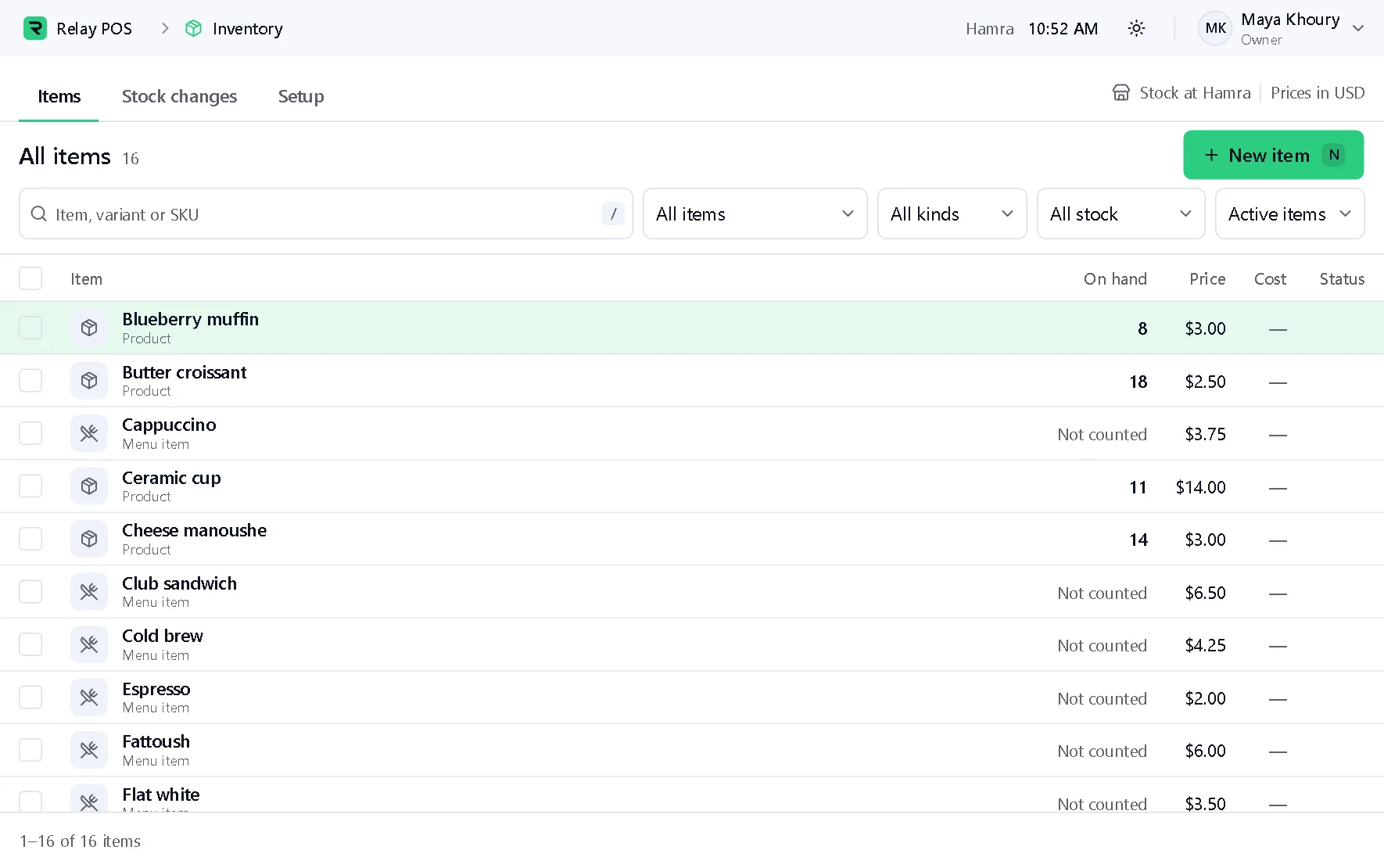
Every item with its stock on hand, its price and its cost. Every change to stock is an entry in a ledger, and nothing is overwritten.
What it does
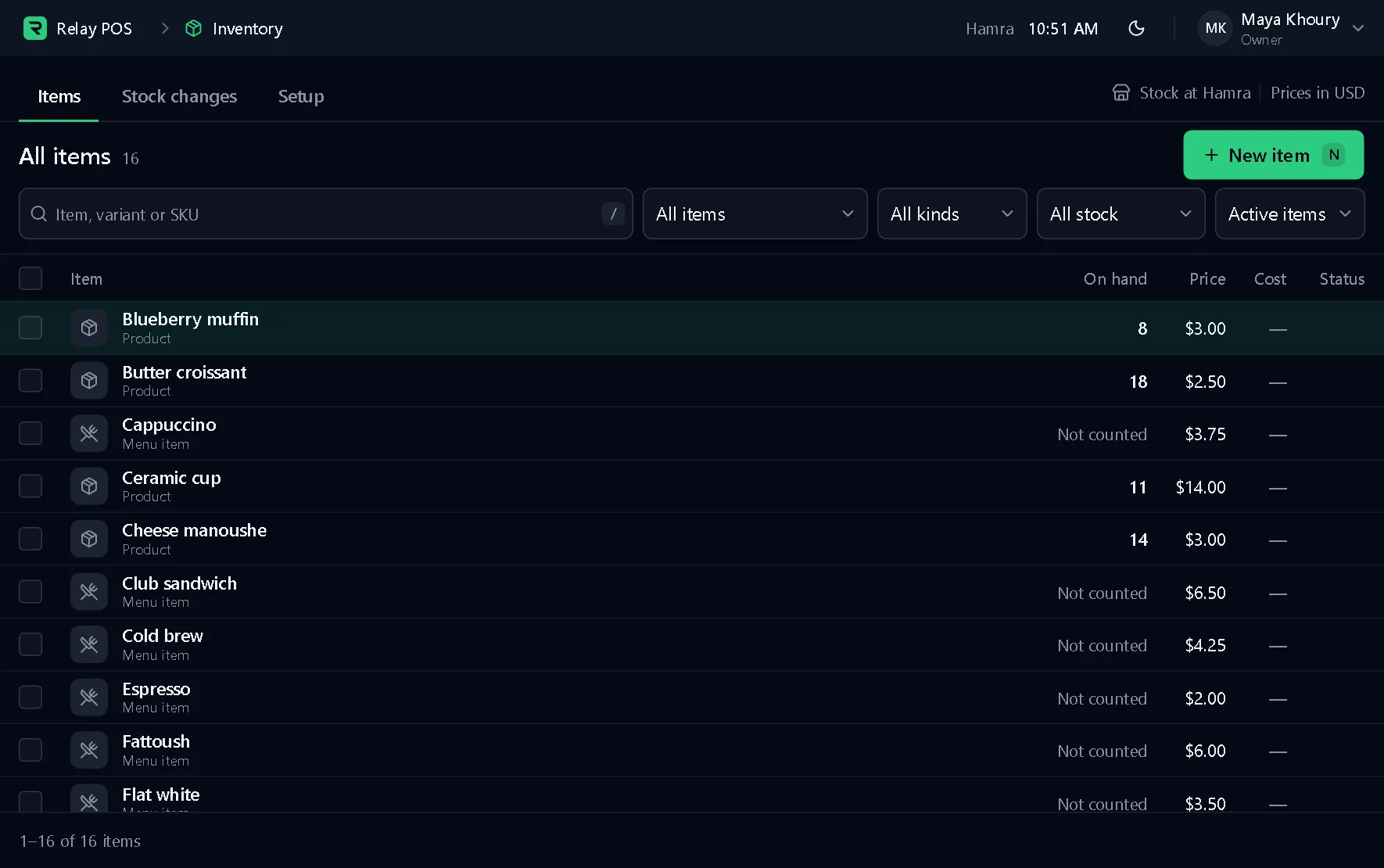
Part of the Synor POS terminal, which runs on Windows. The pictures are of the real terminal on made-up data.
A full catalogue
Variants, barcodes, modifiers, combos and recipes.
Stock as a ledger
A sale, a delivery, a count: each one is an entry, and the level is their total.
Counts and write-offs
Low-stock levels, stock counts and write-offs, kept in the same ledger.
Goes with it
- Retail POSRing up by touch, keyboard or scanner, with no internet needed.
- Labels and barcodesPrice labels with a barcode that scans.
- PurchasingOrder from suppliers and receive deliveries.
- Online storesAn online store built around your brand.
- Branch syncCatalogue, sales and stock kept in step across branches.
Behind every counter
Synor ERP is the back office we set up beside your terminals.
Set up to work with your shops: stock, suppliers and customers in one place.
Explore Synor ERPSet up with you
- Inventory
- Purchasing
- Accounting
- People and payroll
- Customers
- Reports
Let's find a time.
We set up your business, install the terminal and activate it. You just sell.