A restaurant till that never waits on the internet.
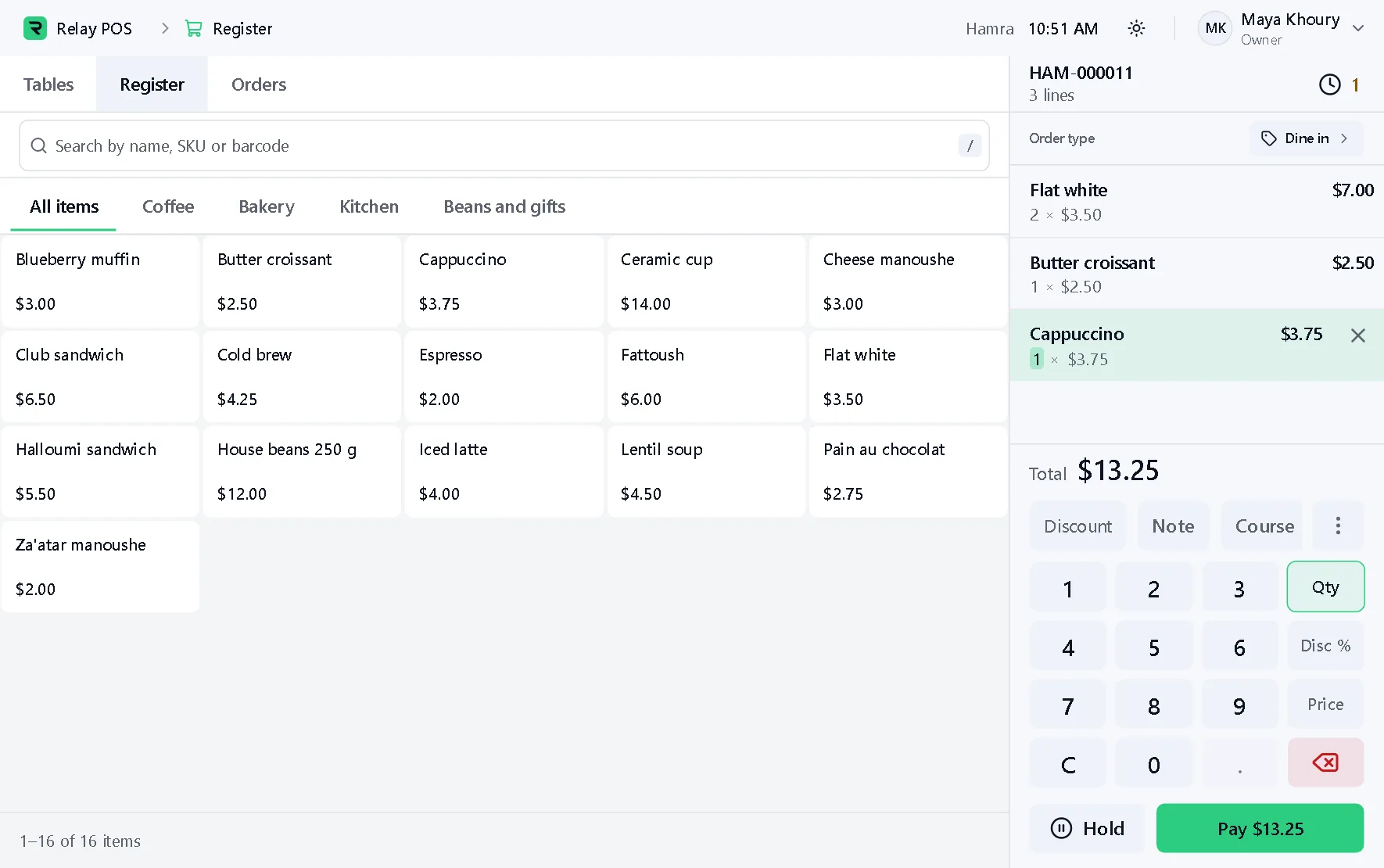
Ring up dine-in, takeaway and bar orders by touch, search or scanner. Every order is saved on the terminal first, so service carries on when the line drops.
What it does
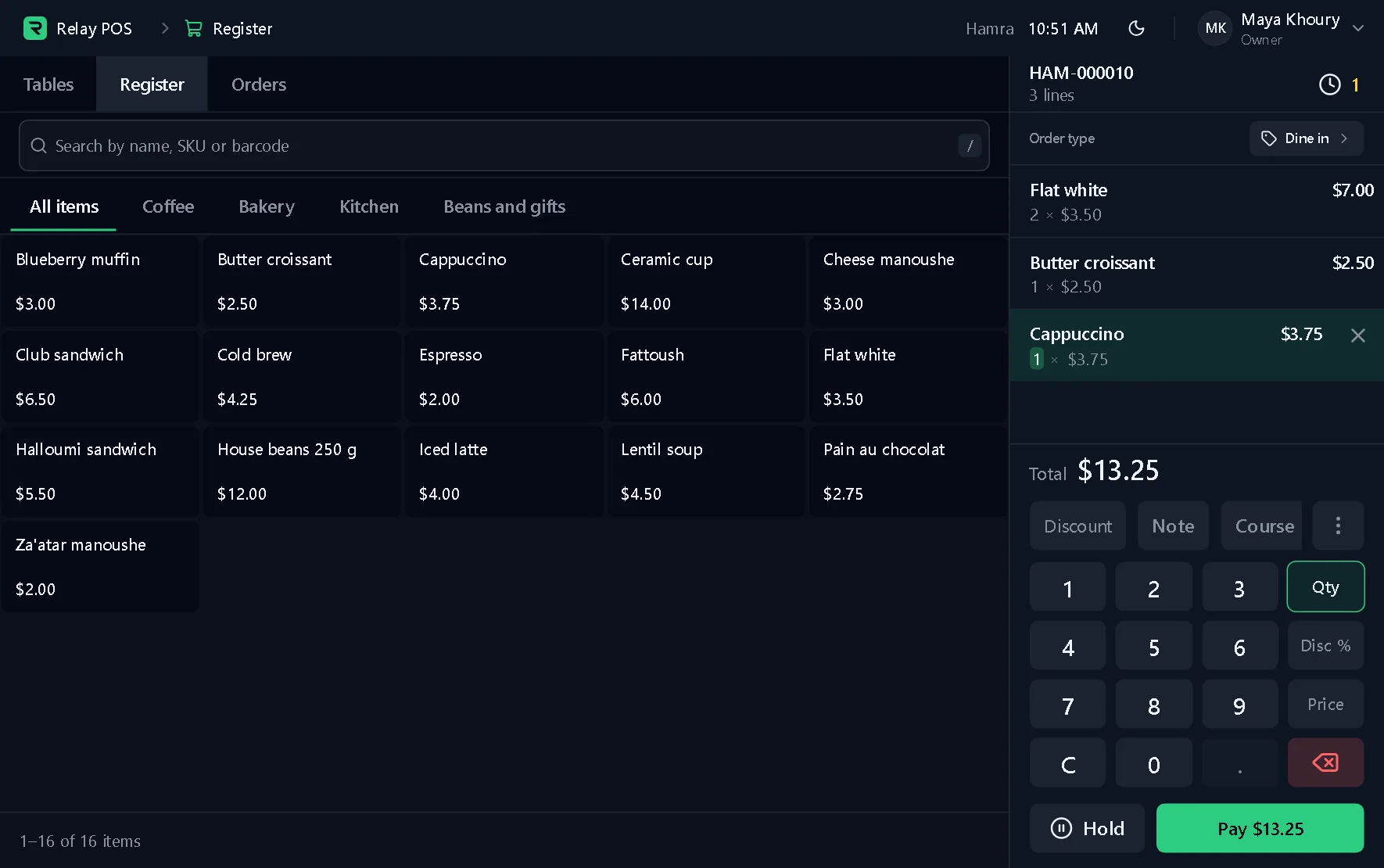
Part of the Synor POS terminal, which runs on Windows. The pictures are of the real terminal on made-up data.
Quick to ring up
Find items by category, search or barcode scan, and type a quantity on the number pad.
Hold and pick up
Put an order on hold, come back to it later, and take payment alone or split.
Notes and discounts
Add a note to a line, give a discount, and sell by weight where you need to.
Pay any way
Cash, card and other payments, in full or split between guests.
Goes with it
Behind every counter
Synor ERP is the back office we set up beside your terminals.
Set up to work with your restaurant: stock, recipes and suppliers in one place.
- Inventory
- Purchasing
- Accounting
- People and payroll
- Customers
- Reports
Let's find a time.
We set up your business, install the terminal and activate it. You just sell.